A good title card creator is often the one thing that separates amateur videos from polished, professional content. It’s what helps you make that perfect, eye-catching opening that hooks your audience in the first few seconds and sets the vibe for your whole video.
Why a Great Title Card Is a Must-Have
We've all done it—clicked away from a video almost immediately. A lot of the time, a clunky or non-existent opening was to blame. In a world overflowing with content, that first impression isn't just important; it’s everything. Your title card is your digital handshake, welcoming viewers and letting them know they're in the right place.
Think of it like the cover of a book. It gives you a sneak peek of the quality and style waiting inside. A sharp, well-made intro tells your audience you’re serious about your work, which builds instant trust and makes them want to stick around. This is way more than just a logo zipping across the screen; it's a core piece of your brand.
Build Instant Brand Recognition
A consistent title card makes your videos instantly recognizable. When someone sees your signature intro—that familiar motion, font, and sound—they know exactly who they're watching, whether it's buried in a crowded YouTube feed or flying by on a social media timeline. That visual consistency is what builds a powerful brand over time.
This connection is a huge advantage for any creator. It creates loyalty and helps turn casual viewers into a real audience that actually looks forward to your next upload.
Set a Professional Tone from Frame One
The first few seconds of your video set the entire mood. A sleek, modern title card can signal you're an expert in a tutorial, while a playful, animated intro can let everyone know a fun vlog is about to start. Using a title card creator gives you complete control over this crucial first impression.
Your title card is your promise to the viewer. It communicates the value and quality they can expect, making them more invested from the very beginning.
A cool intro does more than just kick off your video; it’s a key part of an effective marketing strategy. There's a reason these tools are so popular. The creator economy was valued at $212 billion and is expected to hit $528 billion by 2030, with over 207 million creators all fighting for attention. A huge number of them rely on professional intros to stand out. You can dive deeper into these numbers over at marketingltb.com.
And if you're looking for some creative fuel to get started, you might find our guide on ideas for introductions really helpful.
Choosing the Right Title Card Creator for You
When you first dive into making videos, you realize pretty quickly that not all title card creators are the same. There's no single "best" tool for everyone. The right choice really comes down to what you're making, how comfortable you are with design software, and how much time you've got.
Think about your project. A daily TikTok series needs a totally different process than a polished YouTube documentary. The TikTok creator needs something quick, simple, and based on a template. The documentary maker, on the other hand, will want total control over every little detail. Your end goal should help you pick your tool.
Online Editors and Template-Based Tools
For most people, especially if you're just starting out or need to work fast, online editors are a lifesaver. These usually run right in your browser, so you don’t need to install any heavy software. The biggest plus is their library of professionally designed templates that you can change up in minutes.
The process is simple: pick a design you like, type in your own text, change the colors to match your brand, and you're good to go. It's a super-efficient way to work for vloggers, social media managers, or anyone putting out content on a regular schedule. These tools take the technical guesswork out of it so you can just focus on your message. A great starting point for many is a simple animated intro maker, which gives you a slick look without the headache.
Key Takeaway: Template-based tools are all about speed and simplicity. They're perfect when you need to get things done quickly without sacrificing a professional feel.
Professional Video Editing Software
On the other end of the spectrum, you have the heavy hitters: professional video editing software. We're talking about programs like Adobe After Effects or DaVinci Resolve. These are the industry-standard tools that give you complete command over every pixel, particle, and movement.
This is the path for creators who want a truly unique look that a template just can't deliver. You can build complex animations from scratch, design custom motion graphics, and get every single detail just right. Of course, that level of control comes with a much steeper learning curve and a big time commitment. It’s a trade-off between power and convenience.
If you're looking for something in the middle, some new AI lyric video generator tools are worth checking out. They often combine the ease of templates with more advanced animation features, which can be a huge time-saver for creating eye-catching intros.
Comparing Popular Title Card Creator Tools
To make the decision a bit easier, here’s a quick comparison of the different types of tools out there. Think about your own needs and see which category fits your goals best.
| Tool Type | Best For | Key Features | Price Point |
|---|---|---|---|
| Online Editors | Beginners, YouTubers, Social Media | Template libraries, simple drag-and-drop, fast rendering | Free to $$ |
| Pro Software | Professionals, Animators, Filmmakers | Full creative control, advanced effects, custom animations | $$$ |
| Hybrid Tools | Intermediate Users, Small Businesses | Some templates with deeper customization options | $ to $$ |
Ultimately, choosing the right title card creator is about finding that sweet spot between your creative vision and your day-to-day reality. Don't be afraid to start simple. You can always level up to more powerful tools as your skills—and your channel—grow.
Crafting a Title Card That Captures Attention
Alright, this is where the magic happens. Moving past basic templates is all about making smart choices that grab your audience and tell them what you're about in just a few seconds. A truly great title card isn't about throwing flashy effects at the screen; it's about being clear, setting the right mood, and staying true to your brand.
Think of it as your video's first handshake. You want it to feel authentic and give viewers a taste of what's to come. Whether you're going for a serious, cinematic vibe or something fun and energetic, every single element—from the font to the color scheme—has a job to do.
Finding Your Voice with Typography
The font you choose says a lot before you ever say a word. Seriously, fonts are like the outfits your words wear. A clean, minimalist sans-serif font like Montserrat or Helvetica can give off a modern, professional feel, which is perfect for tech reviews or business content.
On the other hand, a bold, punchy font might be the perfect fit for a high-energy gaming channel, while a classic serif font could work beautifully for a documentary series. The main idea here is brand alignment. Don't just pick a font because it looks cool. Ask yourself: does this actually feel like my content?
My Two Cents: Keep it simple and stick to two fonts, max. Use one for your main title and a plainer one for any extra text or subtitles. This keeps the design looking sharp and, most importantly, easy to read.
Setting the Mood with Color
Color is your shortcut to emotion. A bright, vibrant palette—think sunny yellows and sky blues—can instantly create a sense of energy and fun. In contrast, a darker, more muted scheme with deep reds or cool grays can set a more serious, dramatic tone right from the start.
As you pick your colors, keep a few things in mind:
- Brand Harmony: Your title card should feel like it belongs with the rest of your channel. Use the same main colors you have in your logo, channel art, and thumbnails. It builds a really strong, cohesive look.
- Readability is King: Make sure your text pops. There needs to be enough contrast between your font color and the background. You can't go wrong with the classics: white text on a dark background or black text on a light one.
- Emotional Cues: What do you want your audience to feel? Blue often signals trust and calm, while red can dial up the excitement or urgency. Choose colors that match the tone of your video.
Weaving in Your Logo and Animation
Your logo is the heart of your brand identity, and the title card is its stage. Don't just slap it in the corner as an afterthought. It needs to be part of the design, whether it's the star of the show or a subtle detail.
A little bit of animation can make your whole intro feel more polished and professional. The keyword here is subtlety. You don't need a massive explosion to make an impact. A simple fade-in, a smooth slide, or a gentle pulse can add a dynamic touch without being distracting. If you want to dive deeper, our guide on how to animate a logo breaks down some great basic techniques.
Getting this right is more important than ever. North America alone made up 37.4% of the entire global creator economy market. With 162 million creators just in the U.S. and 46% of them aiming to make it a full-time job, professional branding is what separates the noise from the signal on platforms like YouTube and TikTok. The industry is booming, with some analysts projecting a 34.9% growth rate, so a polished intro is a smart investment.
Getting Your Technical Settings Right
You've poured your heart into creating a killer title card. The colors pop, the font is perfect, and the animation is smooth. But all that hard work means nothing if it looks like a pixelated mess when you finally upload it.
Let's cut through the confusing tech talk and nail the export settings so your title card looks flawless everywhere it's seen. Getting this part right is the final, crucial step. It’s like a chef plating a beautiful meal—the presentation has to be perfect. A few simple tweaks before you hit "export" can be the difference between a pro-looking intro and one that screams "amateur."
Before you even think about exporting, all of your main design elements—fonts, colors, and your logo—should already be locked in to create a cohesive brand identity.
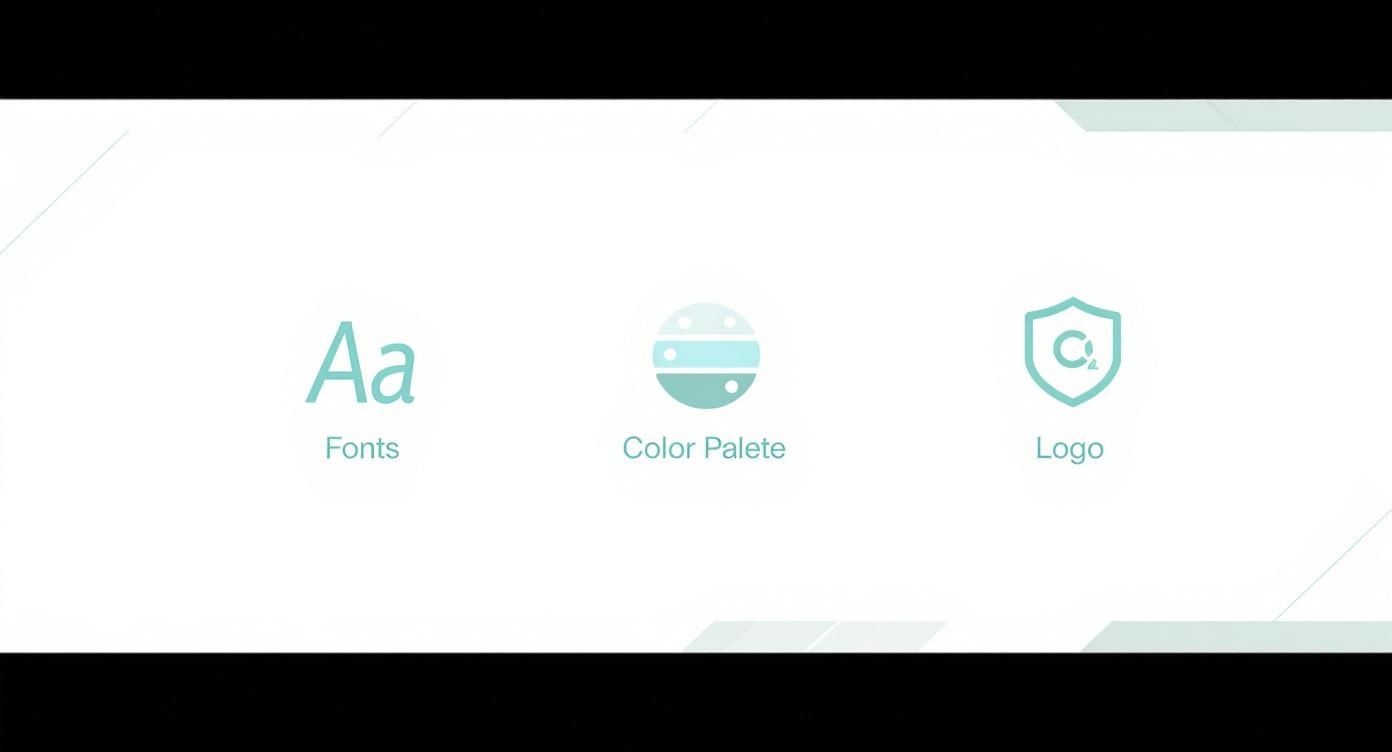
These pieces are what make your title card instantly recognizable. Now, let’s make sure the technical quality matches your design.
Resolution and Frame Rate Explained
First things first: resolution. This is just a fancy word for the size and clarity of your video. For most online platforms, you should be aiming for 1920×1080 pixels, which you'll often see called 1080p or Full HD. It’s the sweet spot for YouTube, delivering a crisp, clear image without creating a massive file that takes forever to upload.
Next up is frame rate. Think of it like a flipbook. Frame rate is how many individual pictures (frames) are shown per second to create the illusion of motion. For most video content, 24 or 30 frames per second (fps) is perfect. Higher frame rates, like 60 fps, are usually for things like video game footage or slow-motion shots where you need that extra smoothness.
Pro Tip: Consistency is everything. Your title card's frame rate must match the frame rate of your main video. If they're different, you'll get a jarring, stuttering effect that looks unprofessional.
Choosing the Best File Format
When you export from a title card creator, you'll probably see a bunch of file format options. Don't let the alphabet soup scare you. For pretty much any online use, MP4 is your best friend.
Here's why MP4 is the go-to choice:
- Universal Compatibility: It works on practically every platform you can think of, from YouTube and Instagram to your friend's phone.
- Great Compression: It shrinks file sizes down without totally ruining the quality. This means faster uploads for you and smoother streaming for your viewers.
- High Quality: It easily supports high-definition video, so your carefully designed intro will look just as sharp as you planned.
The only real exception? If you need an intro with a transparent background to put on top of other footage, you'll want to export it as a MOV or WebM file. But for a standard, standalone title card, MP4 is the undisputed champion.
Adapting for Different Platforms
One size does not fit all in the world of video. A widescreen title card designed for YouTube will look awkward and get cut off on a vertical platform like Instagram Reels or TikTok. This all comes down to aspect ratio, which is just the shape of your video frame.
Keep these common aspect ratios in mind:
- YouTube & Vimeo: Stick with the standard 16:9 ratio. It’s the horizontal, TV-screen shape we all know.
- Instagram Reels & TikTok: You’ll need a 9:16 ratio. This is vertical, designed for a phone screen.
- Instagram Feed Posts: A square 1:1 ratio is often your safest bet here.
When designing, think ahead about where your video will live. Many modern tools let you easily create versions for different aspect ratios, so you can keep your brand looking consistent everywhere you post. If you're new to these concepts, digging into some basic video editing tips for beginners can be a huge help.
When to Hire a Pro for Custom Animation
While an online title card maker is awesome for speed and ease, sometimes a template just can't bring the specific vision you have in your head to life. Maybe you're imagining a really unique animation, or your brand is so distinct that it needs something built from scratch. That's the perfect time to think about bringing in a professional animator.
Hiring a pro isn't just for huge Hollywood studios anymore. It’s for any creator who’s serious about giving their brand a signature look that no one else can copy. Services like Priyansh Animations are great because they offer that custom, high-end feel without the shocking price tag. The real trick is knowing how to work with them effectively to make your idea a reality.
Preparing for a Smooth Collaboration
To get the absolute best result from an animator, you need to do a little homework first. Showing up with a clear vision makes the whole process faster and, more importantly, ensures the final animation is exactly what you were hoping for. Think of it like giving a home builder a detailed blueprint instead of just a napkin sketch.
Before you even think about hitting 'send' on that first email, get your materials together. Having everything ready to go shows you're serious and helps the animator immediately understand what you're looking for.
Here’s a quick checklist of what you should have on hand:
- Your Brand Assets: This means your logo in a high-quality format (like an .AI or transparent .PNG file), your specific brand color codes (hex codes are perfect), and any official fonts you use.
- Your Vision and Mood: Jot down a short summary explaining what you want. Are you going for something high-energy and exciting? Mysterious? Clean and corporate? Playful?
- Examples You Love: Find 2-3 intros or animations that you really like. This is huge—it gives the animator a real visual reference for the style you're after.
- The Script: Know exactly what text needs to appear on screen and in what order. This could be your channel name, a tagline, a website, or anything else.
The clearer you are upfront, the better the final result will be. Animators are creative experts, but they can't read your mind. Giving them specific files and examples is the single best way to get an intro that perfectly fits your brand.
The Feedback and Revision Process
After the animator sends you the first draft, it’s feedback time. This part is super important. Instead of just saying, "I don't like it," try to give specific, helpful notes. For example, "Could the logo's entrance be a little faster?" is much more useful than "It feels slow." Or, "Let's try a brighter shade of blue for the background" gives them something to work with.
It's also good to remember that you're paying for a professional service, and the price often depends on how complex the work is and how many rounds of changes are included. To get a better feel for how these projects are priced, taking a look at a video production cost breakdown can be really helpful.
Ultimately, this should feel like a team effort. Your clear vision plus their animation skills is the magic combination. By communicating clearly and respectfully, you’ll end up with a custom title card that truly makes your content stand out from the crowd.
Common Questions About Title Card Creators
Even with a solid plan, you probably still have a few questions bouncing around in your head. That's completely normal. When people first start making their own intros, a few common roadblocks and questions always seem to pop up. Let's get those sorted out so you can get started.
This is our final check-in before you jump into the creative process. We'll tackle some of the most practical "what-if" questions people have when using a title card creator.
Can I Use Copyrighted Music in My Intro?
This is a huge question, and the simple answer is almost always no—not unless you’ve paid for a specific license for it. Dropping a popular song into your intro without permission is a fast track to getting your video flagged, muted, or even taken down by platforms like YouTube. It's a headache you definitely don't need.
The smart move is to use royalty-free music. Many online intro makers come with their own stock libraries, which is super convenient. You can also check out dedicated sites that offer thousands of tracks for a small one-time fee or subscription. This keeps your video safe, professional, and able to earn money.
How Long Should a Title Card Be?
When it comes to intros, the golden rule is short and sweet. Aim for a total runtime between 3 to 7 seconds. If you go much longer than that, you risk viewers getting bored and clicking away before your main content even has a chance to start.
Key Takeaway: A title card is there to set the tone and establish your brand, not to be a mini-movie. Get in, make an impact, and get out.
Do I Need a Different Intro for Every Video?
Consistency is your best friend here. For the most part, you’ll want to stick with the same main title card across all videos on your channel or within a specific series. This kind of repetition is what builds brand recognition and makes your content feel familiar and professional to your audience.
That doesn't mean you can never change it. Small tweaks are perfectly fine and often a good idea. For instance, you might:
- Change the episode title or number for an ongoing series.
- Create a special holiday-themed version for a festive video.
- Design a totally different intro if you launch a new, separate series on your channel.
The key is to keep the main look, feel, and sound the same to reinforce your brand identity. Using a title card creator is great for this, as it lets you build a primary template that you can quickly edit without having to reinvent the wheel every time.
For more in-depth answers on ordering, file formats, and other common questions, feel free to check out our complete FAQ page.
Ready to create an intro that grabs attention and looks amazing? Priyansh Animations makes it simple. Choose a professional template, provide your text, and get a stunning, custom title card delivered right to you. Start your project today!