A good movie credit creator knows that the final scroll of names is more than just a list—it's the official signature on your film. These credits are your public 'thank you' and a legal record, honoring every single person who brought your story to life.
Why Your Film Credits Are So Important
Ever sit in a dark theater as the names just keep scrolling and wonder why the list is so long? Those rolling credits aren't just filler; they're the final, super-important chapter of the filmmaking journey. They aren't an afterthought you just slap on at the end.
Think of it this way: a movie is the ultimate team sport. From the lead actor who nails a tough scene to the production assistant who kept everyone awake with coffee, each person played a part. The credits are your chance to publicly and permanently say, "Hey, this person helped make this happen."
More Than Just a Thank You
Beyond just being respectful, movie credits handle some critical business that protects you and your team. In many cases, they’re a straight-up legal requirement.
- Contractual Obligations: Big names—actors, directors, producers—often have it in their contracts exactly how their name will appear. Messing that up can land you in some serious hot water, both professionally and legally.
- Professional Integrity: When you follow the industry standards for credits, you're telling distributors, festivals, and future partners that you're a serious filmmaker who respects the craft. It shows you know what you're doing.
- Building Your Network: For many people on your crew, that credit is a vital line on their resume. It’s what helps them get their next job and build a career in this tough business.
And this industry is only getting bigger. The global movie production market was valued at around US$82.53 billion in 2024 and is expected to more than double by 2034. That growth means more specialized roles and an even greater need for proper recognition. You can dig into the numbers in this report on the movie production industry.
At the end of the day, your film credits are a shout-out to the team spirit of filmmaking. They're a powerful statement that honors the hard work of every individual and proves your film is a professional piece of art.
Ultimately, taking the time to create thoughtful, accurate, and polished credits isn't optional. It’s a mark of respect that honors your team's collective effort and protects your film’s reputation. It’s the final polish on your masterpiece.
How to Plan Your Credits Before Opening Any Software
Before you even think about firing up your favorite movie credit creator, the real work starts with a simple, organized plan. I've seen it a hundred times: people rush into the design phase and end up with a mess. It's like trying to build a house without a blueprint—you'll miss things, and it's a huge headache to fix later.
The very first thing to do is super simple but absolutely critical: gather every single name and their correct title.
You need a master list. Seriously, open up a spreadsheet and create columns for name, role, and department. Go through every document you have, from call sheets to contracts, and get confirmation on everything. A misspelled name or the wrong title isn't just a typo; it's a sign of disrespect to someone who poured their heart into your project.
Nailing the Standard Credit Order
Once your list is complete and double-checked, it's time to organize it. The order of names in movie credits isn't random. It follows a long-standing industry tradition that shows you know what you're doing. It’s a language understood by everyone in the business.
For example, the director is almost always the final name in the opening credits and the first in the closing scroll—it’s the ultimate spot of honor.
This structure isn't just about tradition. Movie credits have evolved to reflect deals and rules, especially in big movies. Union agreements often decide who gets credited and where, making sure the massive team effort behind a film is properly documented. The global film industry runs on these standards.
Here's a quick reference to help you get the order right.
Standard Movie Credit Order
A quick reference guide to the standard hierarchy of roles in closing movie credits, helping you organize your list professionally.
| Credit Block | Key Roles Included | Typical Placement |
|---|---|---|
| Above the Title | Director, Producer, Key Cast | Often appears before the main title card. |
| Main Production | Director of Photography, Production Designer, Editor, Composer | Immediately follows the main cast in the scroll. |
| Unit Heads | First Assistant Director, Gaffer, Key Grip, Sound Mixer | Follows the main production heads. |
| Department Crews | Camera Operators, Art Department, Wardrobe, Makeup | Grouped by department, following their respective heads. |
| Post-Production | Visual Effects, Colorists, Sound Design, Foley Artists | Typically appears after the main production crews. |
| Music & Legal | Songs, Copyrights, Disclaimers, Special Thanks | Usually placed towards the end of the scroll. |
Getting this order correct shows you respect the process and the people involved.
Defining the Vibe and Flow
Now for the fun part: deciding on the mood. Should your credits be a slow, elegant scroll over a beautiful song, giving the audience a moment to reflect? Or should they be punchy and fast-paced to match the high energy of your action film? This decision should directly match your film’s tone.
Your credit sequence is the final impression you leave with your audience. It should feel like a natural ending to the story you just told, not just a boring list of names.
This all comes down to honoring your team, meeting professional standards, and respecting the legal side of filmmaking.
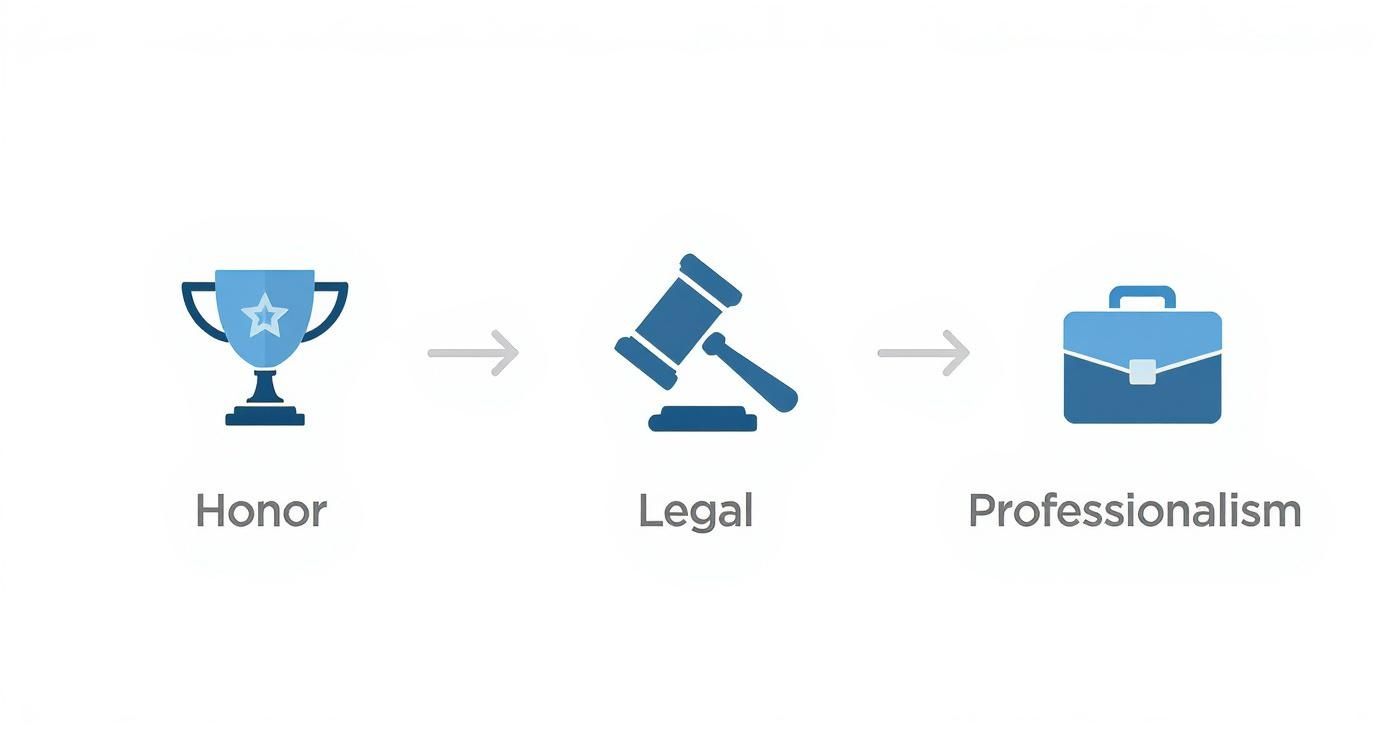
As you can see, it flows from honor to legal to professionalism. Each step builds on the last to create a polished, respectful final product.
Getting this planning stage right makes the technical side so much smoother. If you’re using pre-designed assets, a solid plan helps you pick the perfect one. For more guidance on that, check out our guide on how to use a movie credit template effectively. This prep work ensures your final credits truly honor your team and enhance your film.
Choosing the Right Movie Credit Creator Tool
With your plan locked in, it’s time to pick your weapon. The software you use as a movie credit creator is going to shape your entire workflow and the final look of your project. The market is crowded, but your options really boil down to a few key players, each with its own pros and cons.
For those who want complete creative freedom, Adobe After Effects is the undisputed champion. It’s the industry standard for a reason. You can build anything you can imagine, from a classic, elegant scroll to a wild animated sequence that hits every beat of your soundtrack.
Of course, that power comes at a cost. After Effects has a pretty steep learning curve and a subscription fee. It’s an investment, but if you want total control, there's nothing else like it.
Stepping Into the Third Dimension
What if your vision is bigger? Think stunning 3D text, or a camera weaving through the names of your cast and crew. For that, you’ll need to jump into the world of 3D software. This is where tools like Blender and Cinema 4D come into play.
- Blender: This is an absolute beast of a program, and it's free and open-source. The community is huge and you can get amazing results, but don’t expect to master it overnight.
- Cinema 4D: Often seen as the more user-friendly option, Cinema 4D is great for artists who want to get up and running quickly. It works incredibly well with After Effects, though it has a professional price tag.
If you want a shortcut, check out a plugin like Video Copilot's Element 3D for After Effects. It’s a fantastic middle ground that lets you create and animate 3D text and objects right inside After Effects, which can save you a ton of time.
The right tool is simply the one that fits your skills, budget, and vision. Don't feel like you have to use the most complicated software if a simpler tool can get you the beautiful result you're after.
The Smart Shortcut: Professional Templates
Let’s be honest—not everyone has the time or desire to build a complex credit sequence from scratch. That’s where high-quality templates become an absolute lifesaver. Instead of sinking days into animating, you can grab a pre-built project and just drop your crew’s names in.
These aren't your average cookie-cutter templates. They’re designed by pros and can give your film a high-end look for a fraction of the time and cost. For example, a pre-made title card creator can deliver that cinematic feel in just a few clicks. For a bigger picture of what's out there, you can also check out guides on the best video production software. This is the perfect route for filmmakers on a deadline who don't want to compromise on quality.
How to Design Credits That Look Professional

This is the fun part—where your organized list of names finally becomes part of the film. A great credit sequence isn't just a list; it’s a final piece of design that reflects the movie's soul and gives a nod to everyone who made it. Let’s take that spreadsheet and turn it into something special.
It all starts with typography. The font you choose is the first impression, instantly setting the tone. A gritty, stamped font tells you you've just watched a war film, while an elegant script perfectly suits a historical drama. Think of your font choice as one last piece of storytelling.
But style can't get in the way of clarity. Readability is king.
Picking the Perfect Font
Your credits have to be crystal clear on every possible screen, from a massive movie screen down to a smartphone. One of the most common mistakes is picking a font that looks awesome as a picture but becomes a blurry mess the moment it starts moving.
Here's what I've learned about choosing the right font:
- Keep It Simple: There's a reason pros stick with clean, classic fonts like Helvetica, Open Sans, or Lato. They just work. They’re clear, timeless, and don't distract from the names themselves.
- Match the Vibe: Let the film's genre guide you. A horror movie might use a sharp, messy font, while a sci-fi epic could call for something clean and futuristic. The font should feel like it belongs in the world you just created.
- Test Everything: Before you commit, test your font on different screens. See how it looks on a laptop, a TV, and a phone. You might be surprised at what works and what doesn't.
Mastering the Motion
With your font selected, it's time to make it move. The classic rolling credit is a staple, but there's a real art to getting it right. The speed is key—it needs to be slow enough to read comfortably but quick enough that the audience doesn't get bored. A jerky, stuttering scroll is the fastest way to make your project look amateur.
You're aiming for a buttery-smooth, consistent speed. A good rule of thumb is that a viewer should be able to read a full screen of names at least twice before they scroll out of sight.
Of course, a simple scroll isn't your only move. You could use static title cards that gently fade in and out, or even create simple text animations that sync up with the music. These creative touches are all part of the fascinating world of motion graphics, which you can explore in our guide to motion graphics.
The motion of your credits is the final dance move in your film. It should guide the audience's eye gracefully and feel intentional, not like a default setting.
As filmmaking tools become easier to get, the bar for design quality keeps getting higher. In 2023 alone, global film production hit an incredible 9,511 films, a sign of how many creators are out there working on their craft. This creative explosion means audiences are seeing more innovative and polished credit sequences than ever before. You can learn more from this global film production report.
Ultimately, professional-looking credits boil down to the details. Nail the typography, smooth out the motion, and create a layout that feels balanced and deliberate.
Polishing Your Credits with Audio and Final Export
You’ve nailed the design. The font is spot-on, the animations are smooth. But when you hit play, something feels… empty. That missing piece is sound. This final stage is all about adding that emotional punch and technical polish that truly makes your work shine.
Music is the soul of a credit sequence. A silent scroll just doesn't work; it's a huge missed opportunity to leave a lasting impression. The audio you choose should carry the film's tone, giving the audience a final moment to soak in the story you've just told.
You could use a key song from the movie, the main theme, or even a brand-new piece of music that provides a sense of closure. Whatever you choose, the real magic happens when you sync your animations to the audio. Making text appear or fade on the beat creates a seamless, powerful experience that feels professional.
Getting the Technical Stuff Right
With the sound locked in, it's time to export. This is the last technical hurdle, and it’s a big one. The wrong settings can completely ruin all your hard work, leaving you with pixelated text, choppy playback, or a file so huge you can’t upload it anywhere.
Every platform has its own preferences, whether it's YouTube, Vimeo, or a streaming service. But don’t let that scare you. You don’t need to be a video expert to get this right.
The name of the game is finding that sweet spot between quality and file size. Your goal is a crisp, clean video that doesn't take forever to upload or buffer.
For projects with high-resolution assets, having fast storage like an external SSD for video editing can make a world of difference. It dramatically speeds up render and export times, which means less time watching a progress bar and more time creating.
Your Go-To Export Settings
Let’s make this simple. When you’re ready to export from your movie credit creator like After Effects, focus on these three key settings for most websites. They're a solid starting point for almost any project.
- Codec (H.264): Think of a codec as the compression language for your video. H.264 (sometimes called AVC) is the gold standard for the web. It delivers great quality without making your file size massive.
- Bitrate (10-15 Mbps for 1080p): This is all about data. Bitrate controls how much information is used for each second of video. For a standard 1080p (Full HD) project, a target between 10 and 15 Mbps is perfect. It keeps your credits looking sharp without going overboard.
- Container (MP4): This is just the file type, like .mov or .avi. The .mp4 container works perfectly with the H.264 codec and is accepted everywhere online.
Getting these settings right ensures your credits look just as good online as they did on your computer. It's the same kind of final polish you’d learn about when figuring out how to animate a logo; that last step makes all the difference.
Common Questions About Creating Movie Credits
As you dive into making your film's credits, you're going to have some questions. It's totally normal. Making a credit roll isn't just a technical checklist; it's a mix of industry tradition, legal needs, and creative choices. Let's tackle some of the most common questions filmmakers ask.
Getting these final details right is what separates a student project from a professional one. It’s your last chance to show respect for every single person who helped bring your vision to life.
How Long Should My Movie Credits Be?
There's no single right answer here—it really depends on the size of your production. A short film might wrap its credits in 30 to 60 seconds, while a huge feature film can easily roll for 5 to 10 minutes.
The real key is readability. A good rule of thumb is to make sure someone can comfortably read a full screen of names twice before it disappears. A great way to test this is to read a block of names out loud as it scrolls. If you feel rushed, it's moving too fast. A choppy or super-fast scroll feels cheap and, frankly, a bit disrespectful to your team. Always test it on the biggest screen you can.
What Are the Most Common Mistakes to Avoid?
By far, the worst mistake you can make is misspelling someone's name or listing the wrong job title. I can't stress this enough: triple-check your master list. If you can, have each department head or even individual crew members sign off on their own credit.
A few other classic mistakes I see all the time:
- Poor Readability: Don't get so carried away with a cool, stylistic font that no one can actually read it. Also, watch out for text that’s too small or colors that blend into the background (light gray text on a white background is a classic no-no).
- Stuttering Motion: Nothing screams "amateur" faster than a credit scroll that isn't perfectly smooth. This is all about getting your render settings right, so take the time to test it.
- Ignoring the Order: Not following the standard industry credit order can be a red flag for other professionals. It signals that you might not know what you're doing.
Honestly, almost every one of these mistakes comes from rushing the process. Treat your credits with the same care you gave the rest of your film.
Do I Have to Include a Special Thanks Section?
It's not legally required, but the "Special Thanks" section is a deeply valued tradition in the film world. This is your public thank you note to the people and places who helped in ways that don’t fit into a standard crew title.
Maybe it was the coffee shop owner who let you film there for free, a friend who gave you great notes on your script, or a mentor whose advice saved the day. It's a simple, powerful gesture that helps you build and maintain the relationships you need in this industry. It costs you nothing and can mean the world to the people you include.
A "Special Thanks" is more than a formality; it's a public record of the community and support that made your film possible. It’s a small detail that shows huge gratitude.
Can I Use Any Song for My Credit Music?
No, absolutely not—unless you want to get into legal trouble. Using copyrighted music without getting the proper license is illegal. It can get your film pulled from YouTube, rejected from festivals, or worse. To use that hit song you love, you'd need what's called a "sync license," and those can be incredibly expensive and complicated to get.
For most independent filmmakers, the smartest move is to use royalty-free music from a service like Epidemic Sound or Artlist, or even better, hire a composer to create an original score. Always, always make sure you have the legal right to use every piece of music in your film. If you have more questions about the creative or technical process, you can find answers in our comprehensive FAQ section.
Ready to create stunning, professional credits without the headache? Priyansh Animations offers a huge catalog of high-quality, pre-made credit templates and title sequences. Just pick a style, send your text, and get a polished video back fast. Start your project today at https://www.priyansh.net.