Ever watch a Pixar movie or play a video game and think, "I wish I could do that"? Good news: you can. Getting started with 3D animation is easier than ever, but picking your first tool can feel like staring at a giant wall of options. That's where this guide comes in. We’re here to help you skip the confusion and jump straight into creating cool stuff.
This isn't just another boring list. We’ve put together the ultimate guide to the best 3D animation software for beginners, breaking down everything you need to know to pick the right one for you. Whether you want a slick intro for your YouTube channel, a cool product video, or just have a story you want to tell, the perfect software is waiting. We’ll check out free programs that are surprisingly powerful and the pro-level tools the big studios use.
For each of the 12 options on our list, we’ll give you the straight-up scoop on:
- What it's best for: What kind of projects is it awesome for? Think games, movies, special effects.
- Learning Curve: How hard is it to learn? We’ll be honest.
- Pricing: How much does it cost? So you know what you’re getting into.
- Your First Project: A simple, fun project idea to get you started right away.
Before diving into 3D, some people like to warm up with 2D art. If you're curious about digital drawing and painting first, you might also find our guide to the best digital art software for beginners super helpful. By the end of this guide, you'll know exactly where to start your journey from curious beginner to confident 3D animator.
1. Blender (Official)
Blender isn't just free software; it's a complete, professional-level 3D creation machine. This makes it one of the best 3d animation software for beginners who want zero cost and unlimited power. The official website, blender.org, is the only place you should download it from. This guarantees you get a safe, virus-free version straight from the people who make it.
What makes Blender so special is that it gives you the entire animation factory in one package. You can create characters (modeling), give them a digital skeleton (rigging), bring them to life (animation), add special effects (VFX), and even edit your final video without ever leaving the program. This all-in-one style is something you usually only find in super expensive software. Plus, the community is huge, meaning you can find a tutorial for almost anything you can imagine.
Blender's biggest superpower is that it's free for everyone. It completely removes the price tag, letting anyone with a computer start learning professional 3D skills right now.
Key Details & How to Get Started
- Learning Curve: Kinda Steep. The screen has a lot of buttons, which can look scary at first. But, its massive library of tutorials makes it way easier to learn than it used to be.
- Best For: Hobbyists, students, indie creators, and anyone on a budget who wants to learn every part of 3D creation without limits.
- Pricing: 100% Free and Open-Source. No hidden fees, subscriptions, or "lite" versions. Ever.
- Platforms: Windows, macOS, Linux.
Pros & Cons
| Pros | Cons |
|---|---|
| Totally free, no financial risk to start | The huge number of features can be overwhelming for newbies |
| Giant, active community with endless tutorials | The first few hours can be tougher than simpler tools |
| A full, professional toolkit in one app |
Ready to jump in? A great first project is to animate a simple logo or a bouncing ball. This helps you get a feel for the timeline and keyframes, which are the building blocks of animation. If you're using ready-made stuff, learning how to bring it in and tweak it is a key skill. For some help on using templates, you can check out our step-by-step guide on how to use templates in Blender.
Official Website: https://www.blender.org/
2. Steam — Blender page
While Blender's official site is the main place to get it, downloading it through Steam is a fantastic option, especially if you're a gamer. It’s the same awesome, free software, but managed through an app you might already use every day. This way, you avoid shady download sites and make installing and updating as easy as clicking one button, making it one of the best 3d animation software for beginners to grab without any stress.
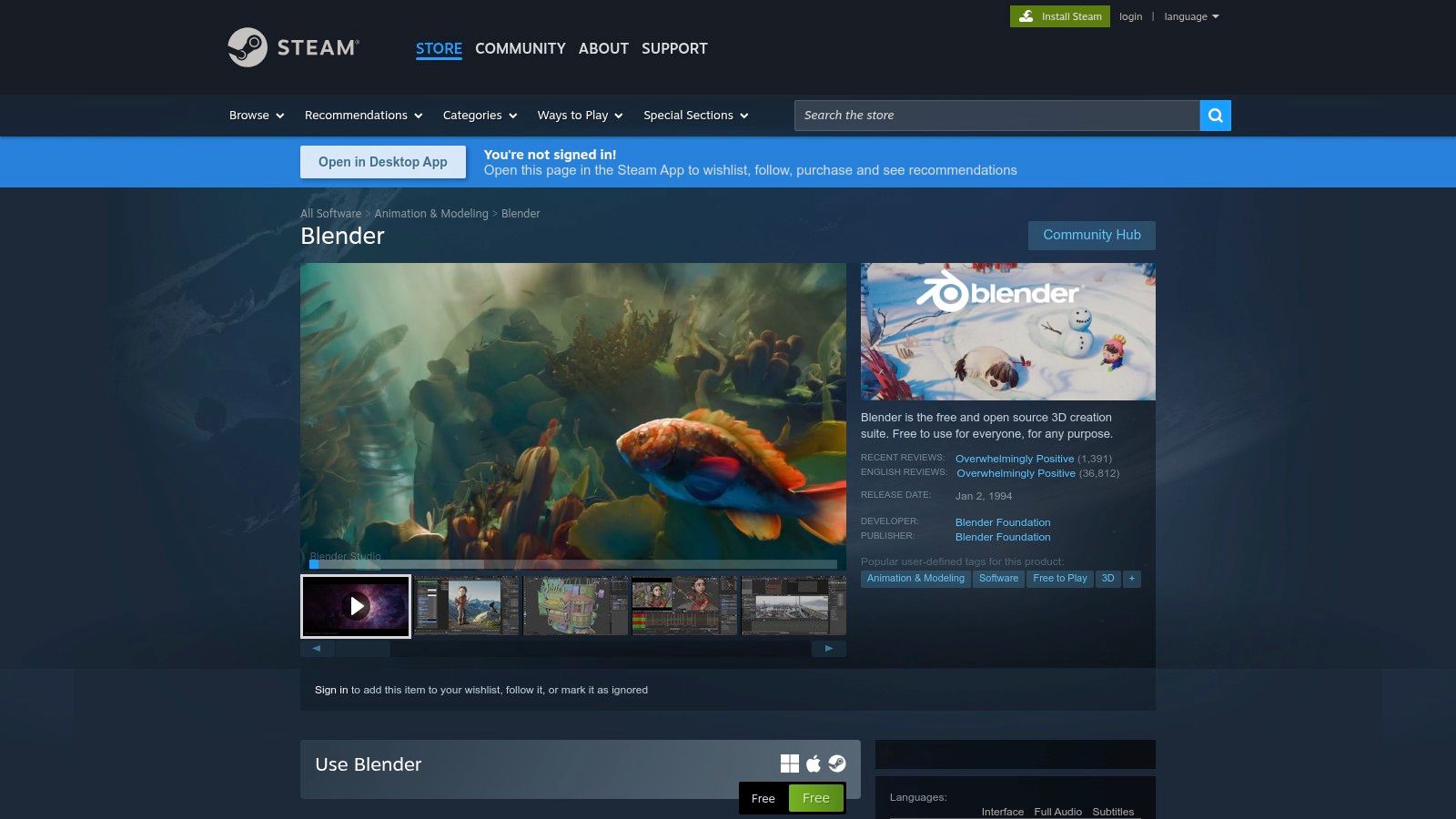
The big win here is convenience. Steam automatically keeps Blender updated, so you don't have to manually check for new versions. Plus, the store page has community reviews that tell you it’s legit (it's currently rated "Overwhelmingly Positive"). This can give new users the confidence that they're getting the real deal. It’s a great choice for people who like to keep all their software in one neat library.
Steam's best feature for Blender users is its automatic, trustworthy update system. It takes away the hassle of manual downloads and lets you focus on creating.
Key Details & How to Get Started
- Learning Curve: Kinda Steep. The software is exactly the same as the official version, so the learning challenge is the same.
- Best For: Gamers, current Steam users, and anyone who wants a super simple, automated way to install and update their software.
- Pricing: 100% Free. You just need a free Steam account to download and use it.
- Platforms: Windows, macOS, Linux (wherever you can run Steam).
Pros & Cons
| Pros | Cons |
|---|---|
| Easy one-click installation and automatic updates | You have to install and run the Steam app first |
| User reviews give you peace of mind | Some pro users might prefer to manage versions themselves |
| Keeps your 3D software right next to your game library |
Ready to jump in? Since it's the same software, a simple bouncing ball animation is still a perfect first project. The main difference here is how you get the software, not how you use it. Getting started is as easy as clicking the "Install" button on its Steam page and letting the app do all the work.
Official Website: https://store.steampowered.com/app/365670/Blender/
3. Autodesk — Maya (Official)
Maya is the software that powers the biggest blockbuster movies and AAA video games. The official Autodesk website is the main place to get this industry giant, offering a 30-day free trial, free versions for students, and a special "Indie" version for smaller creators. It’s one of the best 3d animation software for beginners who are serious about a pro career and want to learn the tools used at the top level.
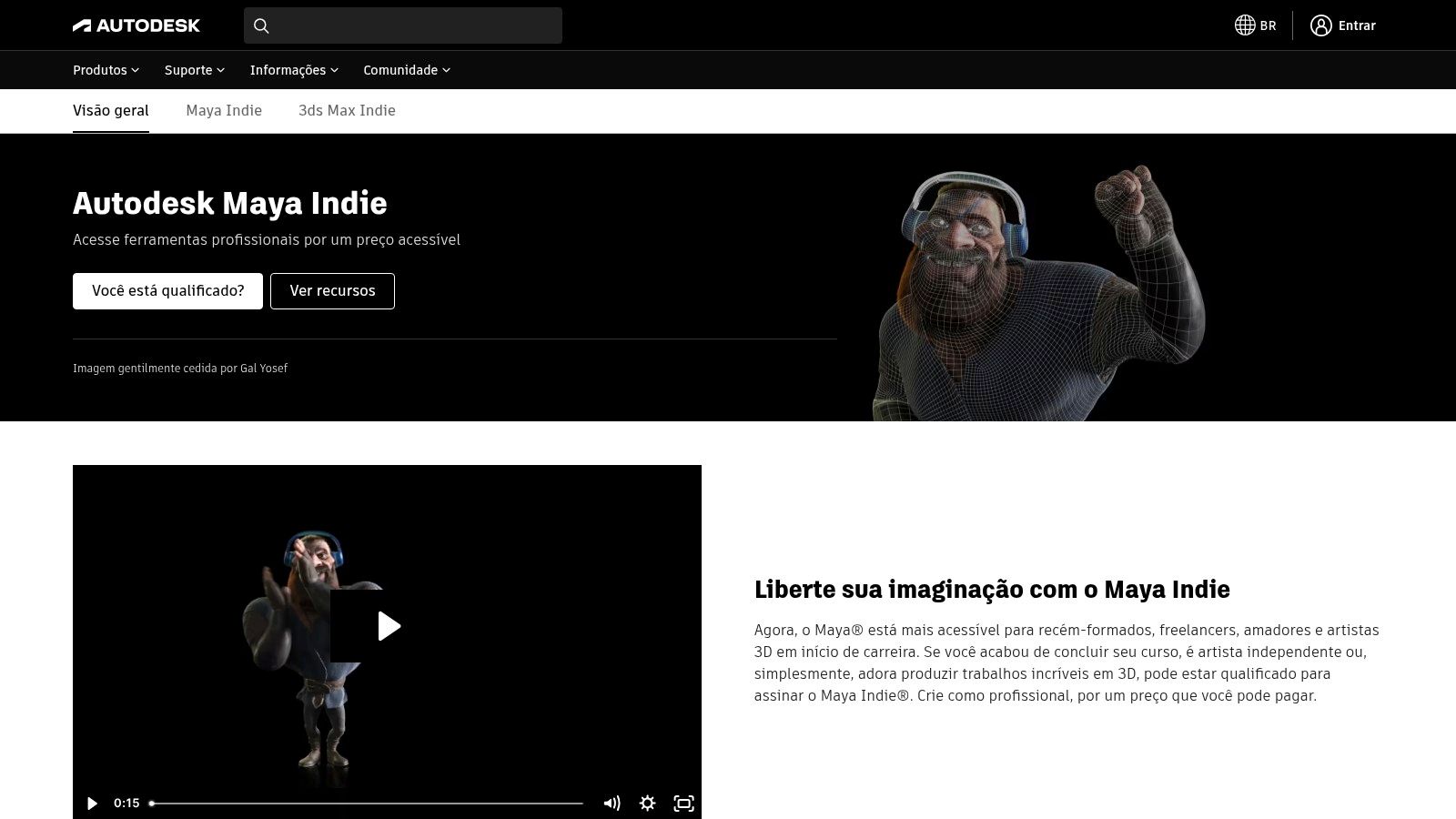
Unlike do-it-all programs, Maya’s strength is in being amazing at specific things, especially character animation and rigging. Its tools for creating believable digital skeletons and smooth character movements are legendary. The Autodesk website also connects you to a huge world of plugins, letting you customize the software for specific jobs like crazy visual effects or special rendering.
Maya's main advantage is that it's the industry standard. Learning Maya is like getting a backstage pass—the skills you learn are exactly what major animation and VFX studios are looking for.
Key Details & How to Get Started
- Learning Curve: Steep. Maya is a deep, complex program designed for professional teams. Its power comes with a big learning commitment, but thankfully there are tons of tutorials out there.
- Best For: Aspiring professionals, students who want a job at a big studio, and small creators who qualify for the cheaper Maya Indie license.
- Pricing: Subscription-based. A full license is expensive, but you can try it free for 30 days. The Maya Indie program is a much more affordable option if you meet the income rules.
- Platforms: Windows, macOS, Linux.
Pros & Cons
| Pros | Cons |
|---|---|
| The industry standard for character animation | Full price is very expensive for hobbyists and beginners |
| Huge library of third-party tutorials and plugins | Indie version has strict rules about who can use it |
| Powerful, specialized tools for professional results |
Ready to jump in? A great way to start in Maya is to focus on what it does best: animation. Animating a simple logo is a fantastic way to learn the Graph Editor and the basic rules of timing. To get started, you can check out our detailed guide on how to animate a logo in 3D.
Official Website: https://www.autodesk.com/br/campaigns/me-indie/maya-indie
4. CDW (US reseller) — Autodesk Maya subscription
For businesses, schools, or other organizations that need to buy pro software like Autodesk Maya, a trusted seller like CDW makes it much easier. While Autodesk's own site is great for individuals, CDW offers a clear, business-focused buying experience. It lists multi-year subscriptions and specific product codes for different industries, which makes ordering and paying a breeze. This isn't the software itself, but a reliable way to get it.
Autodesk Maya is a heavyweight in the 3D world, used for everything from Hollywood movies to blockbuster video games. It's professional software with unmatched power in modeling, rigging, and animation. While its price and complexity put it out of reach for most hobbyists, it’s what many aspiring pros aim to learn. Using a seller like CDW ensures that the licenses are handled correctly for an organization, which is super important for studios and schools.
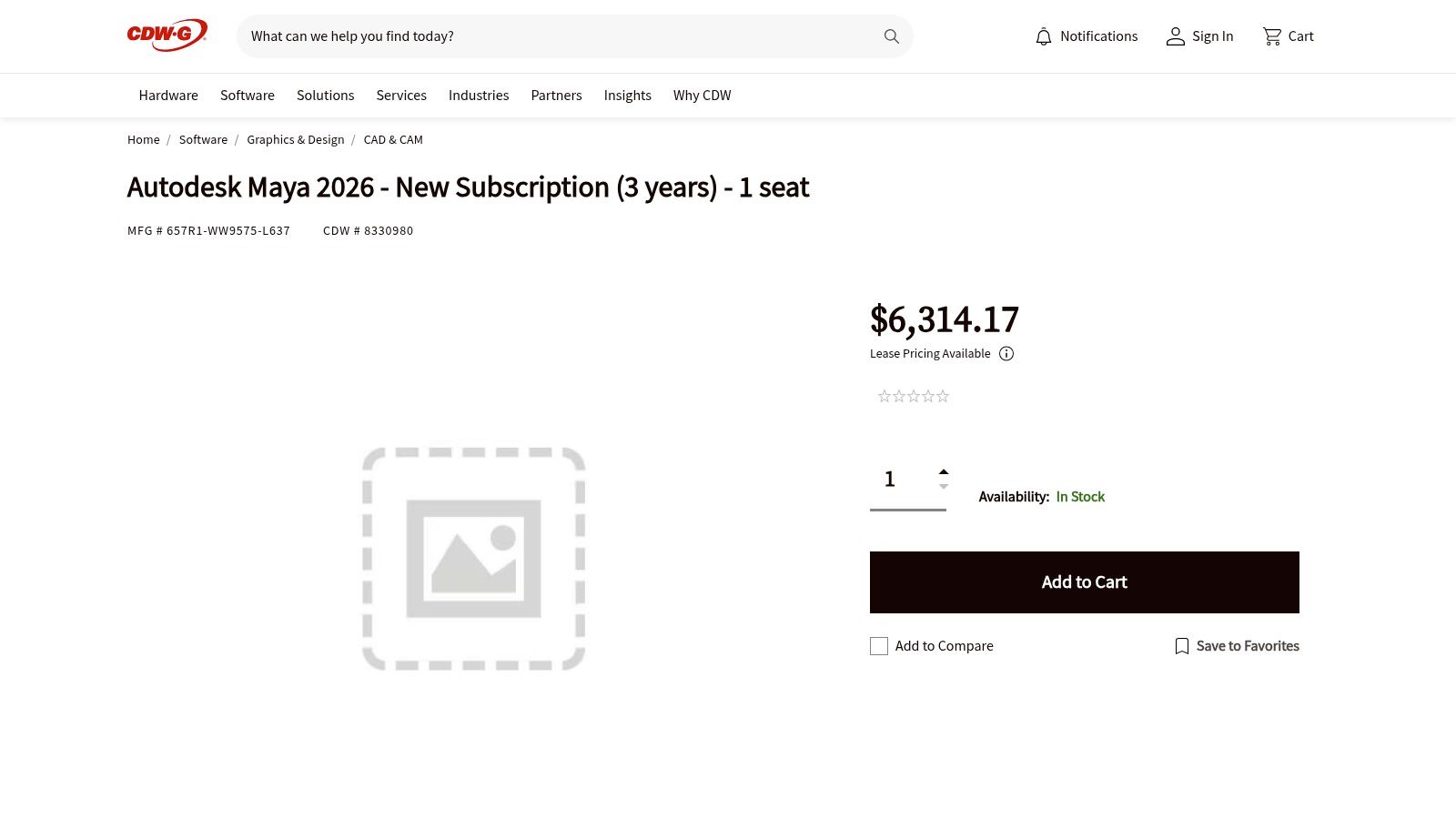
CDW's value is in making the buying process simple. It provides clear pricing and licensing for organizations that need the power of Autodesk Maya without the headaches of individual purchases.
Key Details & How to Get Started
- Learning Curve: Extremely Steep. Maya is a deep, complex program built for professional production. Beginners will need to take courses and be very dedicated to learn it.
- Best For: Aspiring pros, university students, and studios who need industry-standard tools and plan to work in animation, VFX, or game development.
- Pricing: Premium Subscription. Maya is expensive, usually costing thousands per year. CDW shows multi-year options that can sometimes save money in the long run.
- Platforms: Windows, macOS, Linux.
Pros & Cons
| Pros | Cons |
|---|---|
| Industry-standard tool, learning it is a career investment | The high subscription cost is a huge barrier for beginners |
| Unmatched power for character animation and rigging | Overkill for simple projects; not really a beginner's tool |
| Simplified buying for businesses through a trusted seller like CDW | CDW pricing might not have the same special deals as Autodesk's site |
Ready to jump in? If you get access to Maya, start with the absolute basics. A great first exercise is to model a simple object like a cup or a chess piece to understand how 3D modeling works. Watching a beginner-friendly tutorial series on the user interface is a must before you even try to animate anything.
Official Website: https://www.cdwg.com/product/autodesk-maya-2026-new-subscription-3-years-1-seat/8330980
5. Maxon One (Cinema 4D + suite) — B&H Photo
Maxon One is a professional toolkit built around Cinema 4D, a program famous for being easy to use. This makes it a powerful but surprisingly friendly best 3d animation software for beginners who have a budget. Buying it through a known store like B&H Photo is a reliable and supported way to get the software, and it often comes with perks like payment plans and dedicated customer service.

What makes the Maxon One bundle so great is that it's more than just one program. You get Cinema 4D for 3D work, Redshift for powerful rendering (making your images look amazing), and the Red Giant suite for visual effects and motion graphics that work perfectly with software like After Effects. This all-in-one package makes creating stuff, especially for motion graphics artists, a much smoother ride.
Cinema 4D's greatest strength is its artist-friendly feel. It’s often called the easiest professional 3D software to learn, letting beginners get awesome results much faster than with other pro tools.
Key Details & How to Get Started
- Learning Curve: Moderate. Cinema 4D is way easier to learn than many of its rivals, but the full Maxon One suite has a lot of tools to get used to.
- Best For: Aspiring motion graphics artists, students aiming for industry jobs, and creators who want a smooth workflow with Adobe After Effects.
- Pricing: Premium Subscription. You buy it as a yearly subscription, and stores like B&H often offer payment plans.
- Platforms: Windows, macOS.
Pros & Cons
| Pros | Cons |
|---|---|
| Industry-standard for motion graphics | High subscription cost compared to free options |
| Easier to learn than many other professional 3D tools | Store pricing may not always match deals from Maxon directly |
| Excellent integration with Adobe After Effects |
Ready to jump in? A great starting point in Cinema 4D is creating an animated 3D text title. This project helps you understand basic modeling, materials, lighting, and animation keyframes. If you're into making videos, these skills are super useful. You can learn more about how 3D can spice up your videos with our guide on how to use After Effects intro templates.
Official Website: https://www.bhphotovideo.com/c/product/1594461-REG/maxon_mxo_y_one_annual_subscription.html?utm_source=openai
6. SideFX — Houdini (Official)
Houdini is the undisputed king of procedural animation and visual effects. It's the software Hollywood uses to create everything from realistic water to massive explosions in blockbuster movies. The official SideFX website is where you start, offering a free "Apprentice" version for learning. This makes it a great choice for the best 3d animation software for beginners who are serious about a career in high-end VFX.
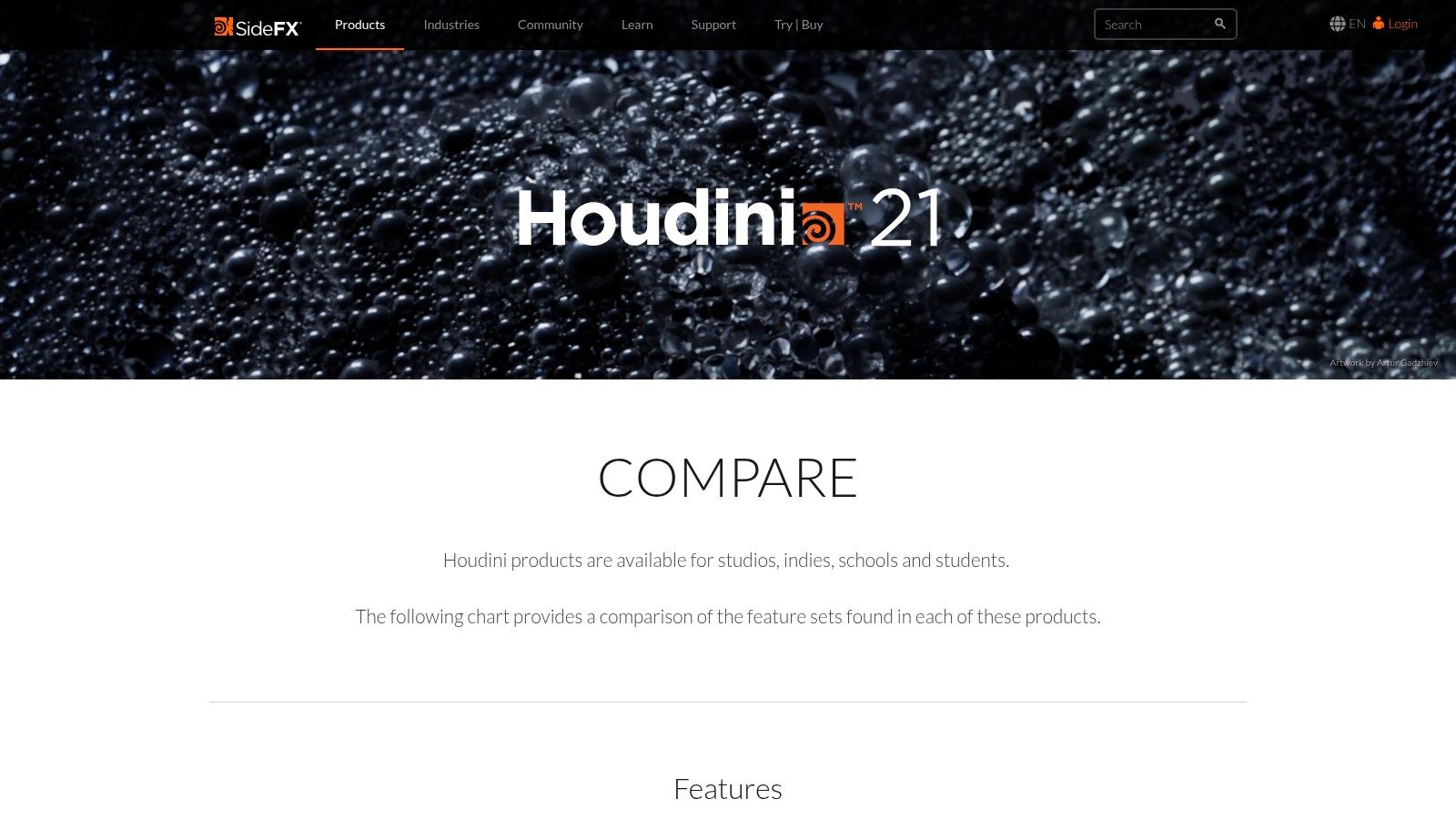
Unlike other software where you place everything by hand, Houdini uses a node-based system. Think of it like building with LEGOs or creating a recipe—you connect nodes to build procedures that generate your animation. This approach is incredibly powerful for creating complex scenes that would be almost impossible to animate manually. The website clearly compares its different versions, so you know exactly what you get.
Houdini's strength is its procedural workflow. It gives you god-like control to create complex visual effects and simulations. It's a tool that grows with you from learner to pro.
Key Details & How to Get Started
- Learning Curve: Extremely Steep. Its node-based, procedural style is very different from other 3D software and requires a more technical, problem-solving mindset.
- Best For: Aspiring VFX artists, technical directors, and anyone fascinated by simulations (fire, smoke, water) who is ready for a big learning challenge.
- Pricing: Free Apprentice version (for non-commercial use), an affordable Indie license (around $269/year) with income limits, and full Commercial licenses for studios.
- Platforms: Windows, macOS, Linux.
Pros & Cons
| Pros | Cons |
|---|---|
| Industry standard for high-end VFX and simulations | Its procedural workflow is very hard to learn at first |
| Free Apprentice version gives you full access for learning | Indie version has limits on how much money you can make |
| Powerful node system offers incredible control | Can be overkill for simple character animation |
Ready to jump in? A great first project in Houdini is to create a simple particle effect, like sparks flying from a fire or a trail of dust. This will introduce you to the core node-based system without being too overwhelming. The SideFX website has excellent tutorials to walk you through these first steps.
Official Website: https://www.sidefx.com/products/compare/
7. Reallusion — iClone 8 (Official)
iClone 8 is a real-time 3D animation tool designed for speed, making it one of the best 3d animation software for beginners who just want to make characters move. The official Reallusion website is where you can buy iClone and access its huge library of add-ons. It's built specifically to get characters animated quickly without a ton of technical headaches.
Unlike traditional software where you have to build everything from scratch, iClone's strength is its fast workflow. It’s amazing at lip-syncing, motion capture (mocap), and working with its sister app, Character Creator. This setup lets you create, customize, and animate high-quality characters in a fraction of the time. It’s perfect for making short films, game cutscenes, or storyboards without a steep learning curve.
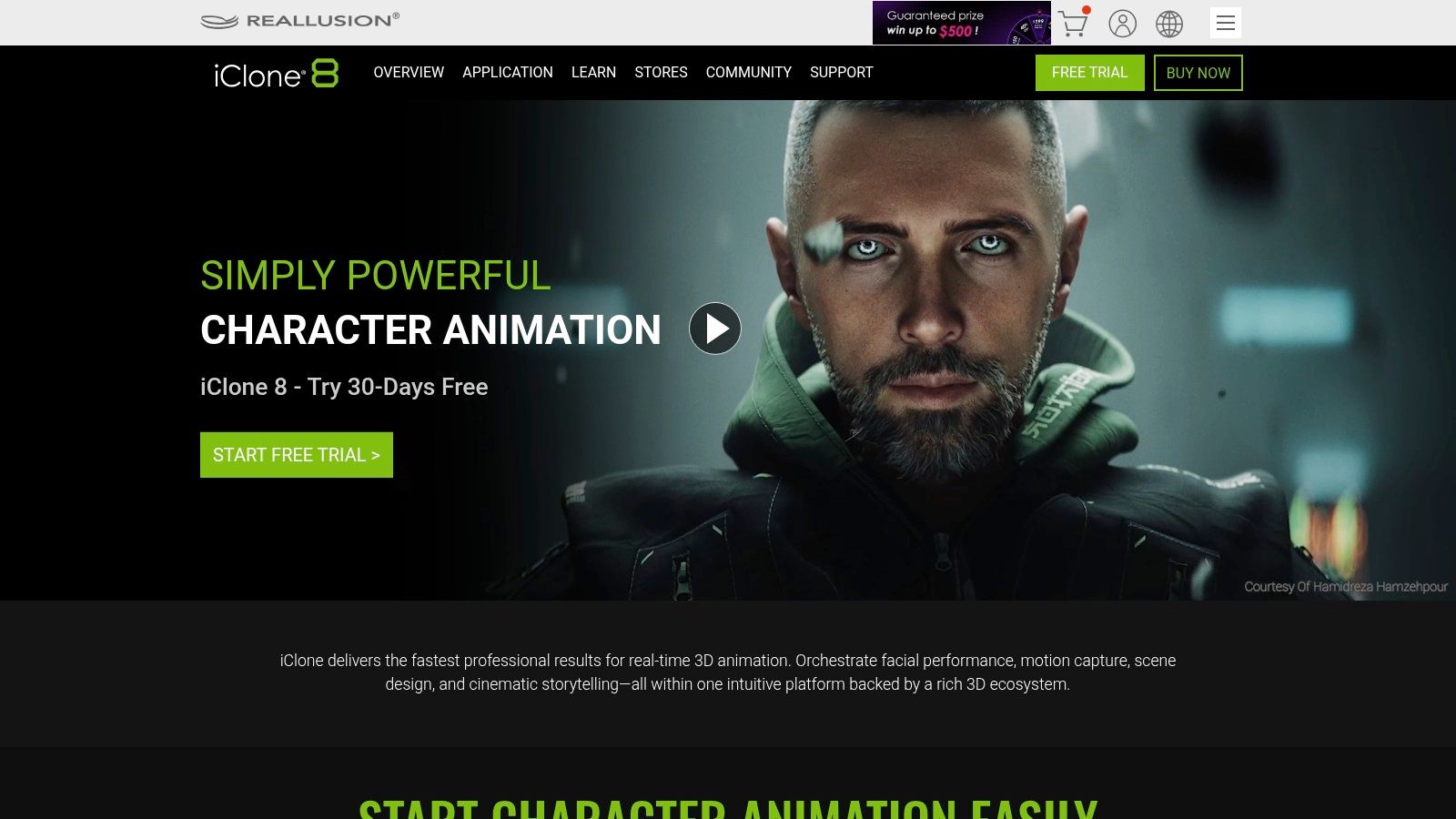
iClone's greatest strength is its speed. It gives you a direct path to high-quality character animation, letting you focus on telling a story instead of wrestling with complex technical stuff.
Key Details & How to Get Started
- Learning Curve: Low to Moderate. The interface is more intuitive for character animation than all-in-one programs, but mastering the whole ecosystem takes time.
- Best For: Indie filmmakers, YouTubers, and game developers who need to produce character-driven animations quickly.
- Pricing: Paid software you buy once. Prices vary, often sold in bundles with Character Creator and other content packs.
- Platforms: Windows.
Pros & Cons
| Pros | Cons |
|---|---|
| Extremely fast workflow for character animation | Buying extra content from the marketplace can get expensive |
| Works great with Character Creator and game engines | Some users report occasional issues with the license manager |
| Huge marketplace for pre-made motions and characters | Mainly focused on characters, not as good for general 3D |
Ready to jump in? A great first project is to import a character from Character Creator (or the free ActorCore library) and apply a motion file. Try out the built-in lip-sync tools by importing an audio file and watch your character come to life automatically. This will give you an instant taste of iClone's real-time power.
Official Website: https://cdn-www.reallusion.com/iclone/default.html?utm_source=openai
8. Cascadeur (Official)
Cascadeur is a unique tool that feels like magic, built specifically to make character animation easier. It's one of the best 3d animation software for beginners who find realistic body movement to be a huge challenge. Instead of fighting with complicated physics, Cascadeur uses AI and physics tools to help you create lifelike motion. You pose your character, and its "AutoPhysics" feature helps fill in the gaps, making sure movements like jumping and running look real.
This program isn't a do-it-all package; you can't build models or render your final image in it. Its purpose is purely animation. You bring in a character from another program (like Blender or Maya), animate it using Cascadeur’s special tools, and then send the animation back out. This focused approach makes it an incredible learning tool for understanding how bodies move without getting lost in a full 3D program.
Cascadeur’s true value is its ability to make complex character physics simple. It gives beginners a powerful assistant to create realistic and dynamic poses that would otherwise take years to master.
Key Details & How to Get Started
- Learning Curve: Low to Moderate. The interface is just for animation, so it's less cluttered than a full 3D program. Its unique physics tools have their own little learning curve, but the tutorials are great.
- Best For: Aspiring character animators, game developers, and students who want to get really good at creating realistic human or creature movement.
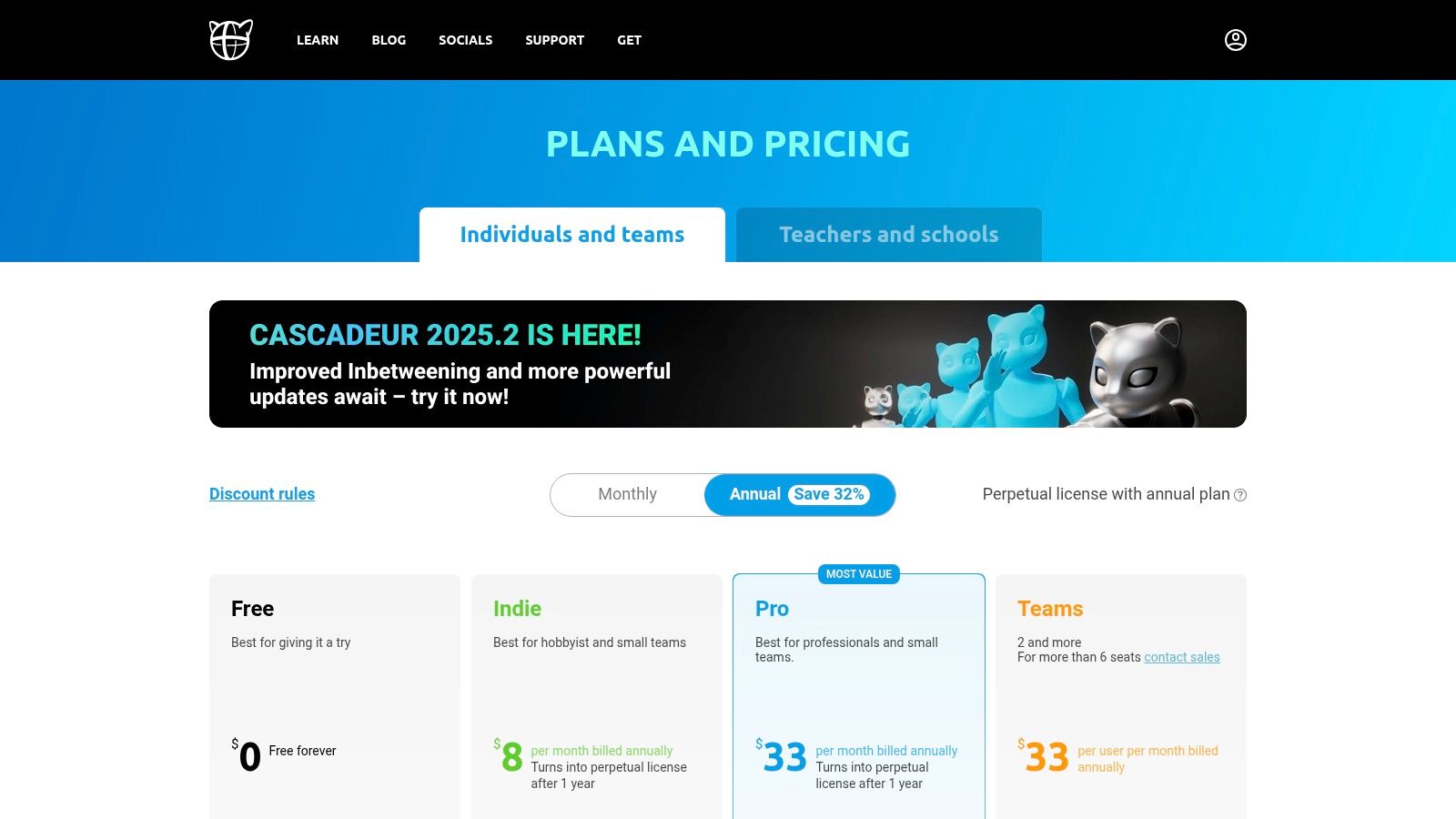
- Pricing: Free version available for learning and personal projects. Paid Indie and Pro plans (starting around $12.50/month) unlock more features and export options.
- Platforms: Windows, Linux. A macOS version is in the works.
Pros & Cons
| Pros | Cons |
|---|---|
| Free version is perfect for learning and personal use | Not a full 3D package; you need other software for models |
| AI-assisted physics tools make complex animation simpler | Exporting animations for commercial use requires a paid plan |
| Focused toolset is less scary for beginners | macOS support is still in early stages |
Ready to jump in? A great first project is to grab a pre-rigged character (you can find lots for free online) and try creating a simple jump or a walk cycle. Play with the AutoPhysics tool to see how it adjusts the character's balance and movement to look more natural. This is a fantastic way to learn the core ideas of animation.
Official Website: https://cascadeur.com/plans?trk=public_post_comment-text&utm_source=openai
9. Adobe Mixamo (Official)
Adobe Mixamo isn't software you download, but a free website that acts as a huge shortcut for character animation. It's an amazing tool for beginners because it solves two of the hardest parts: giving a character a digital skeleton (rigging) and making it move. You can upload your own human-like 3D model, and Mixamo's AI will automatically rig it for you in minutes. This is a process that can take experts hours or even days to do by hand.
What makes Mixamo a must-have is its giant library of pre-made, motion-captured animations. Once your character is rigged, you can apply hundreds of high-quality animations—from walking and running to dancing and fighting—all with a single click. This makes it one of the best 3d animation software for beginners who want to bring characters to life quickly without getting stuck on technical details. You can then download these animations and use them in other programs like Blender or Unreal Engine.
Mixamo's greatest strength is delivering instant, high-quality character animation. It smashes through technical barriers, letting you focus on being creative and telling your story.
Key Details & How to Get Started
- Learning Curve: Very Low. The website is incredibly simple. You just upload a model, place a few markers, and browse an animation library.
- Best For: Game developers, animators who need quick placeholder animations, and beginners who want to animate a character without learning how to rig.
- Pricing: 100% Free. All you need is a free Adobe ID to use everything.
- Platforms: Web-based (works on any modern browser).
Pros & Cons
| Pros | Cons |
|---|---|
| Instantly rigs human-like characters, saving tons of time | Only works with characters that have two arms and two legs |
| Free to use with a simple Adobe ID sign-up | The website can sometimes be down or slow |
| Large library of professional, royalty-free animations | Animations don't have many customization options |
Ready to jump in? A perfect first project is to find a simple human-like character model online (or make one) and upload it to Mixamo. Apply a "walking" animation and a "waving" animation, then download them to see how the files work. If you're looking for inspiration on making cool characters before you animate them, check out how you can use a free AI Pixar character generator.
Official Website: https://helpx.adobe.com/creative-cloud/faq/mixamo-faq.html
10. Unreal Engine (Epic Games — Official)
Unreal Engine is a world-class tool known for powering stunning video games, but it's also an incredibly powerful program for creating cinematic animations. Made by Epic Games, it has become a favorite for movie pre-production, virtual filmmaking, and amazing animated shorts. This makes it one of the best 3d animation software for beginners who want to create super realistic-looking stuff. The official website is the only safe place to download the engine.
What makes Unreal special is its real-time rendering. Instead of waiting hours for a single picture to finish, you can see your animation play out instantly with beautiful lighting and effects. Its built-in Sequencer tool works like a video editor, letting you cut scenes, change camera angles, and animate characters in a familiar timeline. The engine also gives you a massive library of free, high-quality assets like Megascans and MetaHumans to get you started on professional-looking projects right away.
Unreal Engine’s greatest strength is its ability to deliver movie-quality, photorealistic visuals in real-time, blurring the line between animation and live-action films.
Key Details & How to Get Started
- Learning Curve: Steep. As a full game engine, it’s complex. But its focus on visual scripting (Blueprints) and tons of free tutorials make it learnable for dedicated beginners.
- Best For: Aspiring cinematic artists, virtual filmmakers, and animators who want to create hyper-realistic scenes and short films.
- Pricing: Free to use for making linear content (like animations and films). You only pay royalties if you make and sell a commercial game.
- Platforms: Windows, macOS, Linux.
Pros & Cons
| Pros | Cons |
|---|---|
| Photorealistic real-time rendering is top-notch | Can be overkill for simple, animation-only tasks |
| Huge library of free, high-quality assets (Megascans) | Licensing terms can be confusing for non-game projects |
| Powerful cinematic tools with Sequencer | Requires a powerful computer to run well |
Ready to jump in? A great first project is to create a simple cinematic scene using free assets from the Epic Games Marketplace. Try setting up a few camera shots and animating them in Sequencer to tell a short, one-shot story.
Official Website: https://gateway.unrealengine.com/
11. Unity (Official)
Unity is a world-famous game engine, but its powerful built-in animation tools make it a surprisingly good choice as one of the best 3d animation software for beginners, especially if you're interested in interactive projects or telling stories. The official website is where you'll download the engine, find tutorials, and browse the huge Asset Store for ready-made models and environments.

While it's mainly for making games, Unity's Timeline and Sequencer tools let you create impressive animated shorts and cutscenes. Think of it as a virtual movie set where you control the cameras, characters, and lighting in real-time. The huge community and official learning guides provide a clear path for beginners to get started, making the first steps feel less scary.
Unity's core advantage for animators is its real-time rendering. You can see your changes instantly, which makes the creative process of lighting, camera work, and tweaking animations much faster.
Key Details & How to Get Started
- Learning Curve: Moderate. The engine itself is complex, but the animation-specific tools are pretty easy to pick up. Tons of official tutorials help ease you into it.
- Best For: Aspiring game developers, creators of interactive experiences, and animators who want to make real-time rendered cinematics.
- Pricing: The "Personal" version is free for individuals and small teams making under $100k/year. Paid "Pro" and "Enterprise" versions are available for professionals.
- Platforms: Windows, macOS, Linux.
Pros & Cons
| Pros | Cons |
|---|---|
| Generous free version is perfect for starting out | Heavier than dedicated animation software for simple jobs |
| Large community and fantastic official learning resources | Pro/Enterprise pricing can be expensive for growing creators |
| Real-time feedback speeds up the creative workflow |
Ready to jump in? A great starting point is to create a simple cinematic scene. Use free assets from the Unity Asset Store to build a small environment, add a character, and use the Timeline to animate the camera moving from one point to another. This will teach you the basics of setting up a scene, managing assets, and creating a movie-like sequence.
Official Website: https://unity.com/
12. CG Cookie (Blender-focused training)
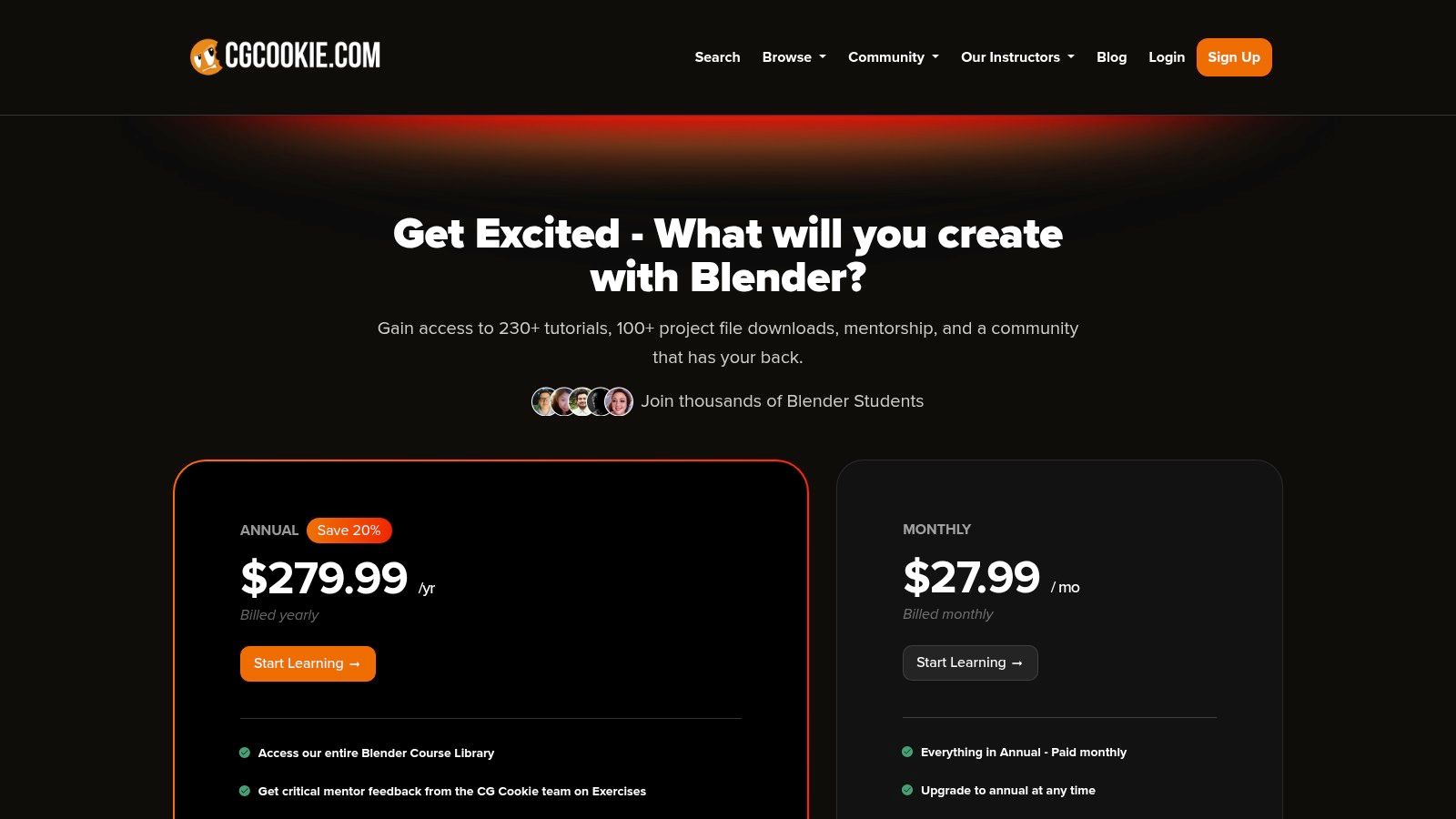
While it's not software, CG Cookie is a training website that makes learning Blender so much easier, earning it a spot as a key resource for aspiring animators. Instead of trying to piece together random tutorials, this site offers structured courses designed to take you from a total beginner to a confident creator. It’s one of the best 3d animation software for beginners resources because it gives you a clear, guided path to follow.
What makes CG Cookie special is its complete learning environment. You get access to over 100 Blender courses, project files to work with, cool character rigs to animate, and even get feedback from professional artists on your work. This hands-on, supportive approach helps you learn way faster than you could on your own, making sure you build a solid foundation in animation.
CG Cookie's greatest strength is its structured curriculum. It takes the guesswork out of learning Blender, providing a step-by-step roadmap that builds your skills in a smart, effective way.
Key Details & How to Get Started
- Learning Curve: Gentle. The courses are made specifically for beginners, breaking down complicated topics into easy-to-digest lessons.
- Best For: Beginners who feel overwhelmed by Blender and want a structured, school-like learning experience with professional help.
- Pricing: Subscription-based. A monthly fee gives you access to all courses, assets, and community features.
- Platforms: Web-based (you can watch it on any device with a browser).
Pros & Cons
| Pros | Cons |
|---|---|
| Beginner-friendly, structured learning path | Subscription cost compared to free YouTube tutorials |
| Mentor feedback helps you improve faster | Some people might prefer to learn in a less structured way |
| Includes assets and add-ons to speed up learning |
Ready to jump in? A great first step is to sign up for their "Blender Basics" course to master the interface. Once you're comfortable, knowing how to render and edit your animations is key. For more on that, check out some fundamental video editing tips for beginners.
Official Website: https://cgcookie.com/subscribe?utm_source=openai
Top 12 Beginner 3D Animation Software Comparison
| Item | Core features | Ease of use / Learning curve | Price / License | Best for (target audience) | Unique selling point |
|---|---|---|---|---|---|
| Blender (Official) | Full 3D pipeline: modeling, rigging, animation, VFX, video edit | Steep for beginners | Free, open‑source | Creators needing a complete DCC at zero cost | Official, safe downloads + huge community |
| Steam — Blender page | One‑click install, auto‑updates, community reviews | Very easy install; same Blender features | Free via Steam client | Users who prefer Steam for installs/updates | Automatic updates & user reputation signals |
| Autodesk — Maya (Official) | Industry standard for character animation, plugins ecosystem | Complex; studio workflow focused | Paid subscription; 30‑day trial; Indie option | Studios and professional character animators | Industry‑grade toolset and plugin ecosystem |
| CDW (US reseller) — Maya subscription | Reseller SKUs, multi‑year options, procurement support | Business‑friendly procurement | Paid via reseller (transparent pricing) | Businesses/education needing invoicing & support | Clear pricing + reseller procurement services |
| Maxon One — B&H Photo | Cinema 4D + Redshift + Red Giant bundle | Moderate; integrated motion graphics suite | Paid subscription; retailer financing/options | Motion designers wanting full Maxon suite | Authorized retailer delivery & financing |
| SideFX — Houdini (Official) | Procedural animation, simulations; Apprentice/Indie/Commercial | High learning curve (procedural) | Free Apprentice; low‑cost Indie with caps; commercial paid | VFX artists and procedural specialists | Best‑in‑class procedural and simulation tools |
| Reallusion — iClone 8 | Real‑time character animation, mocap, Character Creator | Fast, approachable for characters | Perpetual licenses + paid add‑ons/marketplace | Non‑technical animators & rapid prototyping | Real‑time mocap + extensive marketplace |
| Cascadeur (Official) | AI/physics‑assisted keyframe tools, AutoPhysics, unbake | Beginner‑friendly for body mechanics | Free non‑commercial tier; Indie/Pro paid plans | Character animators focused on posing & physics | AutoPhysics to simplify realistic motion |
| Adobe Mixamo (Official) | Auto‑rigging web tool + mocap animation library | Very easy; instant results | Free with Adobe ID | Beginners needing quick rigs/motions | Fast auto‑rig + royalty‑free mocap library |
| Unreal Engine (Epic) — Official | Real‑time engine, Sequencer, Megascans, MetaHumans | Powerful but heavy for pure animation | Free download; royalties/licensing for some uses | Real‑time cinematic, previs, high‑fidelity intros | Real‑time photorealism + vast asset ecosystem |
| Unity (Official) | Real‑time engine, Timeline/Sequencer, Asset Store | Beginner‑friendly tutorials; engine‑centric | Personal free tier (revenue caps); Pro paid | Interactive intros, game‑adjacent creators | Broad platform support & large asset store |
| CG Cookie (Blender training) | Structured Blender courses, mentor feedback, project files | Designed for beginners with guidance | Subscription | Learners seeking guided Blender training | Mentor feedback + downloadable learning projects |
Your Adventure in Animation Starts Now
You've just looked at a treasure map of creativity, exploring some of the best 3d animation software for beginners. We've journeyed through the all-powerful world of Blender, peeked into the pro-level suites of Maya and Cinema 4D, and even checked out special tools like Cascadeur for realistic character motion and Mixamo for super-fast animation. All these options might seem like a lot, but that's a good thing. It means there’s a perfect starting point out there just for you.
The most important thing to take away from this guide isn't which software has the most buttons or the fanciest graphics. The real secret is much simpler: the best tool is the one you actually open and use. Your first animation won’t be a Pixar movie, and that's totally okay. The goal isn't to be perfect; it's to make progress. It's about taking that first step, making your first cube move, and feeling the thrill of bringing something to life from scratch.
Choosing Your First Path
So, where do you begin? Let's boil it all down to a few simple choices based on what you want to do.
- If you want a free, do-it-all powerhouse: Your choice is clear. Download Blender. It has the biggest community, a crazy amount of free tutorials (like those on CG Cookie), and can take you from a hobbyist to a pro without ever costing you a penny. It’s the perfect playground to discover what you love most about 3D.
- If your dream is to animate characters: Think about starting with Cascadeur or Mixamo. Cascadeur gives you a cool, physics-based way to create realistic movement, while Mixamo lets you skip the hard parts and see your models move almost instantly. You can even use them with Blender to create a powerful character workflow.
- If you're building games or interactive worlds: Look no further than Unreal Engine or Unity. While they are huge game engines, their animation and cinematic tools are incredibly powerful. They're ideal for creators who want to build worlds their audience can walk through, not just watch.
- If you're aiming for a specific industry job: It might be smart to look at Maya or Cinema 4D. They have a steeper learning curve and cost money, but learning them puts you on a direct path to the workflows used in major film, TV, and motion graphics studios.
The Real Secret to Success
No matter which software you choose, remember that the tool is only part of the story. Your creativity, patience, and desire to learn are what will really make you successful. Don't get stuck in "tutorial paralysis," where you watch hours of videos but never make anything yourself.
Follow a tutorial, but then immediately use that new skill on your own little project. Did you learn how to make a ball bounce? Awesome, now try making a water balloon bounce. Did you figure out basic lighting? Great, now try to light a spooky scene versus a bright, happy one. This hands-on practice is where the real learning happens. It’s how you build skills and, more importantly, confidence.
Your journey into 3D animation starts today. Not next week, not next month. Pick one tool from this list that excites you, download it, and make something simple. Make a donut. Make a walking stick figure. Make a glowing logo for your YouTube channel. The path from beginner to expert is paved with thousands of small, creative steps. The most important one is the one you make right now: the decision to simply begin.
Ready to give your animations that professional, polished look but want to focus on your creative work? At Priyansh Animations, we specialize in creating stunning, custom video intros and logo animations using industry-standard tools like Blender and Cinema 4D. Let us handle the expert polish while you bring your bigger ideas to life.